

Find your groove
Create
Build the beat. Watch it write itself.
Build a groove, a fill or a whole exercise on the grid, then send it to a student or a bandmate.
- Hi-hat, snare, kick, toms and cymbals on one grid
- Notation drawn for you as you write
- Tempo and swing set for each groove
Try a beat
Hi-hat
Snare
Kick
Play
Slow it down. Loop it. Play along.
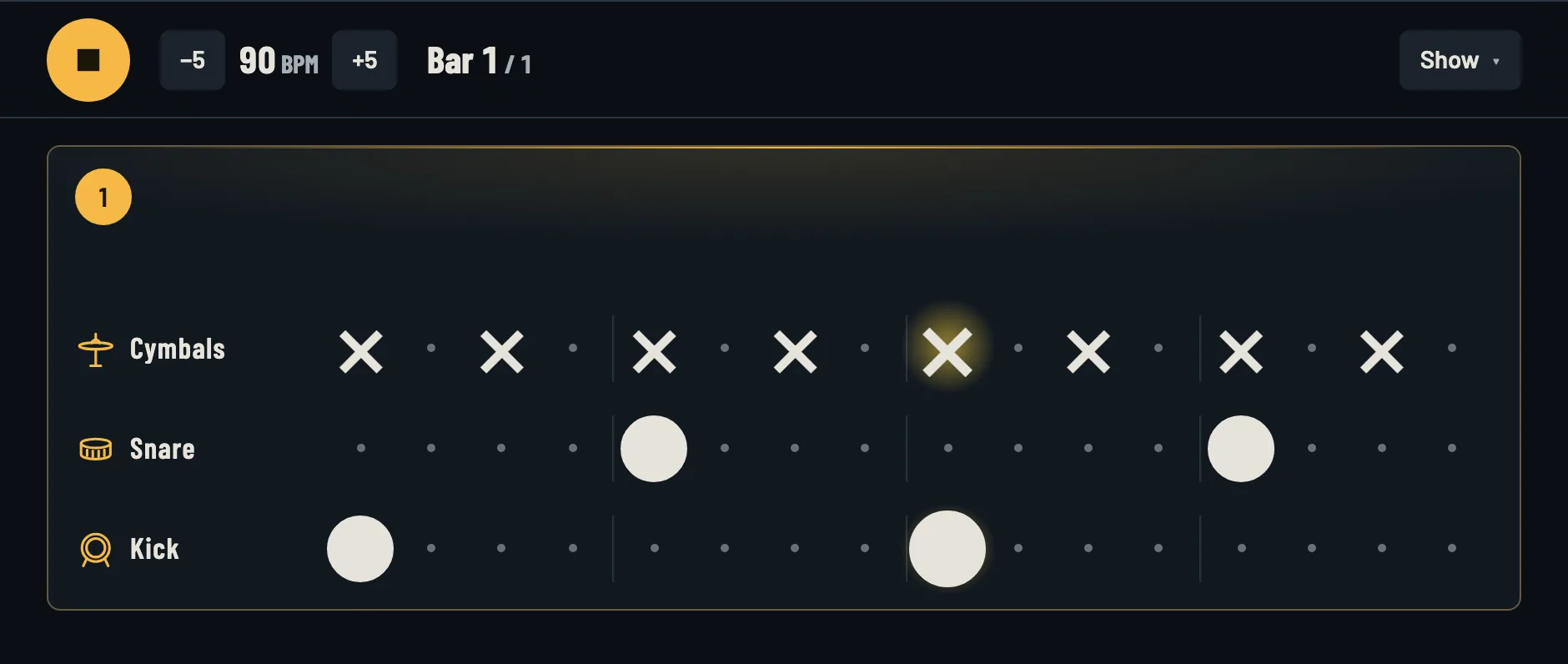
Open any groove and play along with realistic drum sounds. Start slow, and speed up when the groove feels easy.
- Any tempo, with auto speed up to build it a little at a time
- Loop a tricky bar until it sits right
- A metronome and a count-in if you want them
Organise
Every groove filed, ready for your next sess.
Tracks sit under the artist and song they belong to. Search by name, author, or label, then open a groove straight in the Studio.
Feeder 21 grooves
Just a Day › Bridge first halfUpdated 28 Aug
Oasis 14 grooves
Silverchair 16 grooves
A peek at a library. Yours is private to you.
One grid. Everyone on the same beat.
For teachers
Build the groove or fill you want a student to work on and send it to them as a track they can play along to.
- Write grooves on a grid and see the notation as you go
- Set the tempo and swing for each exercise
- Save and share tracks by song, artist, or label
For students and solo players
Open a track and play along – start slow, and speed up when the groove feels easy.
- Play any track, with a metronome if you want one
- Keep your own library of grooves you are learning
- See what you practised in your journal: how long, and how fast
- Back up your tracks and bring them anywhere